Turn any photo into a Paint by Numbers canvas
Upload a photo — get a numbered canvas in seconds. Paint digitally online or download the PDF and print it. Free, no account needed.
Drop your photo here
or click to choose from your device · PNG, JPG, WEBP up to 25 MB
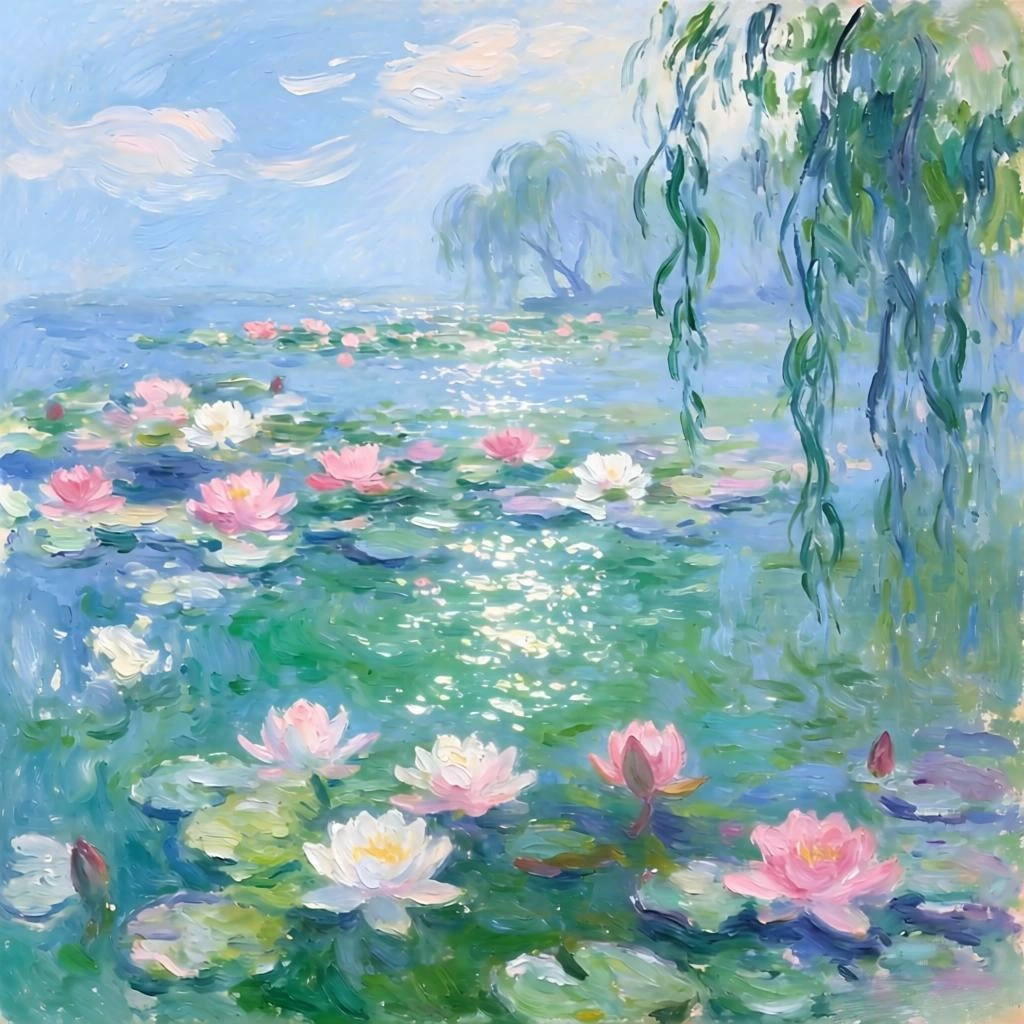
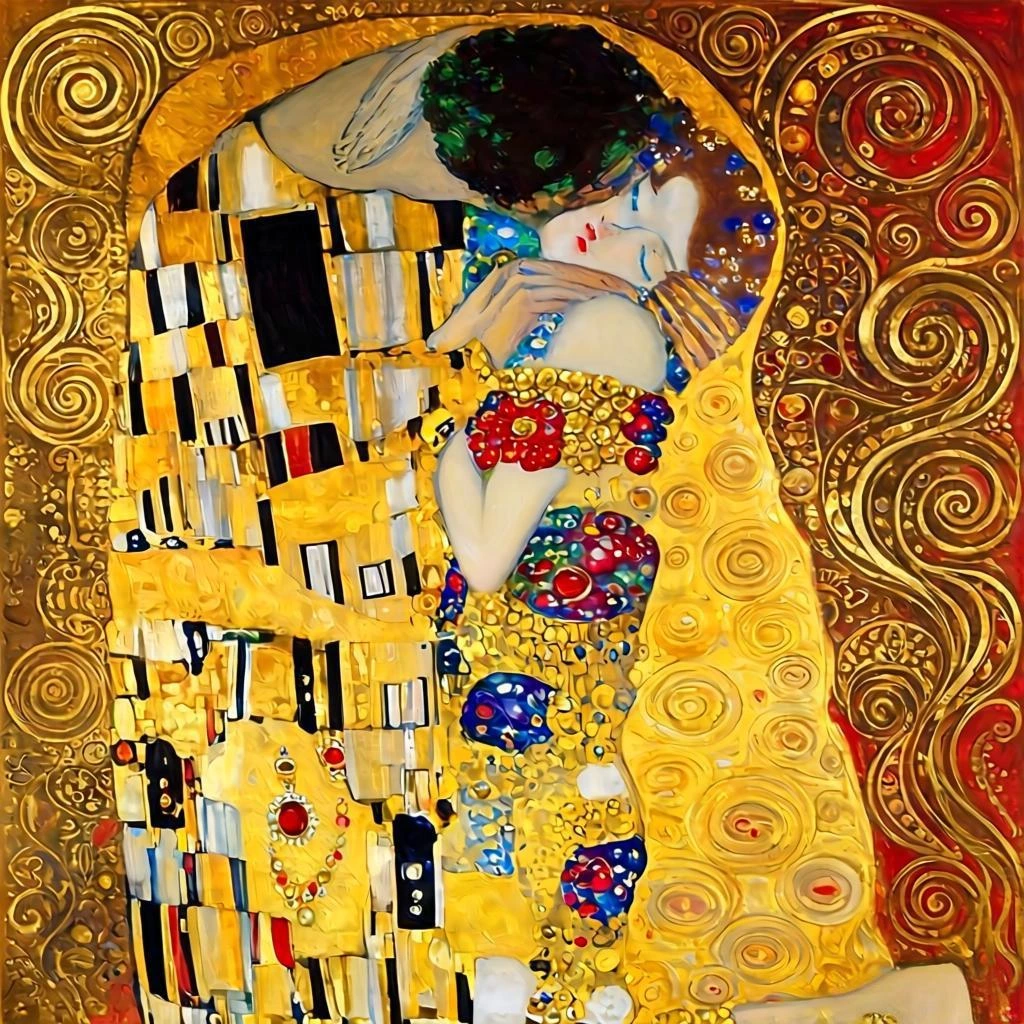
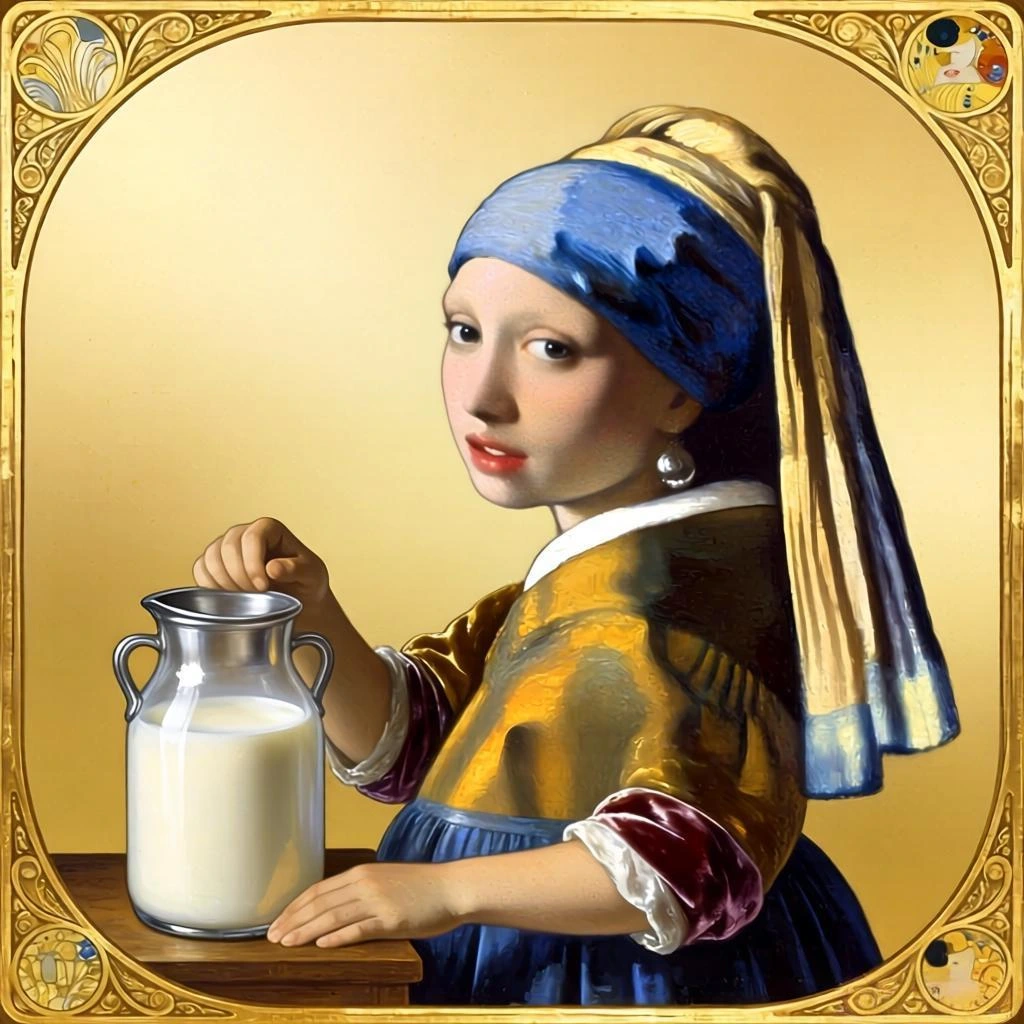
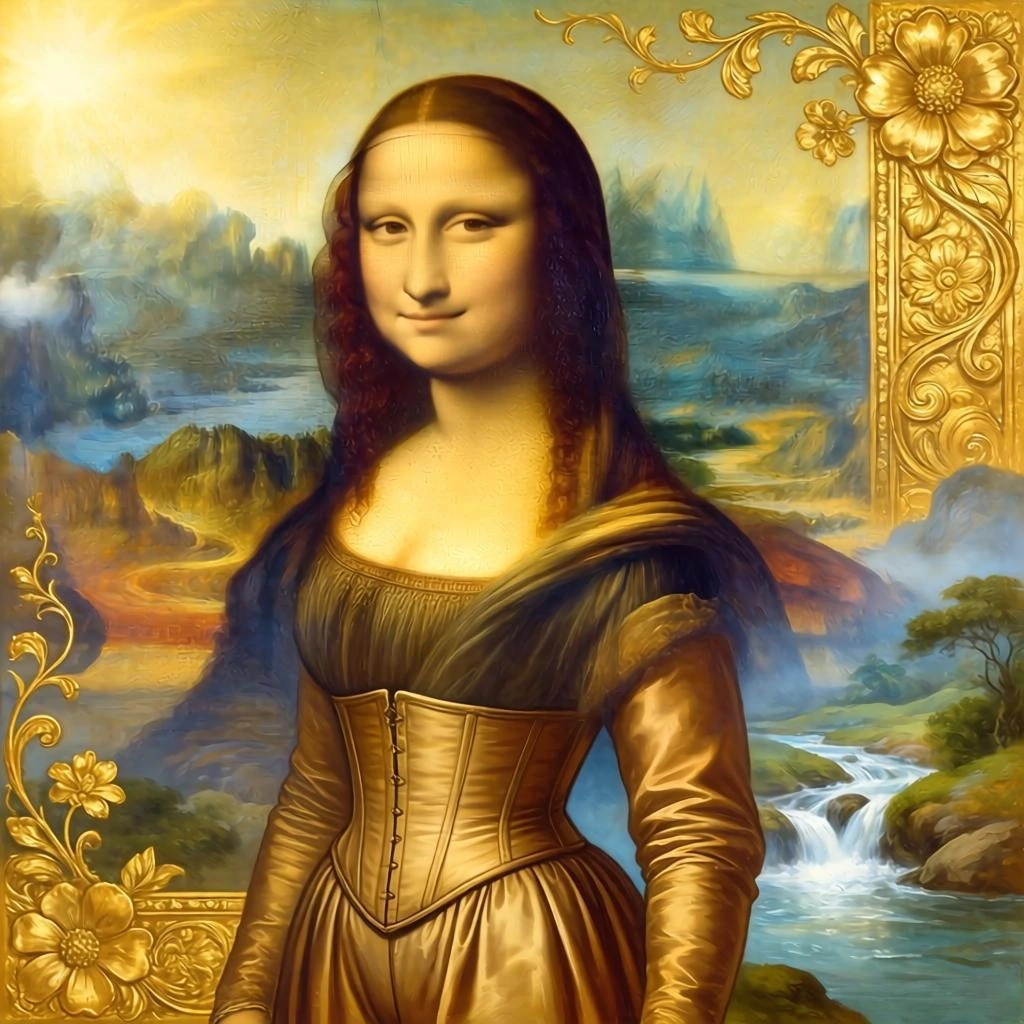
Photos that work well
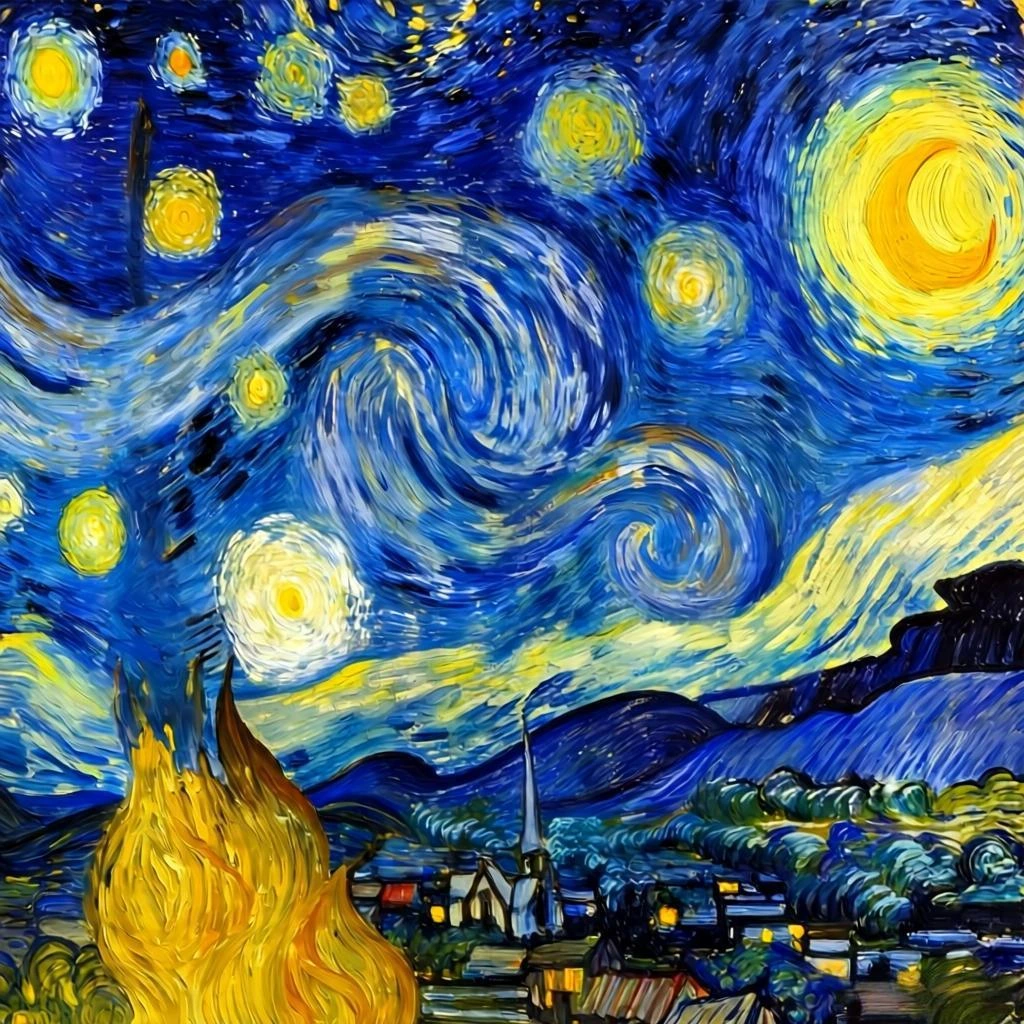
Landscapes, Pets, Flowers, and Portraits often make the best Painting by Numbers pattern.


Three simple steps
From photo to canvas in under a minute. Looking for physical kits with canvases and paints? PBN Canvas
Upload a photo
Portraits, pets, flowers, landscapes — anything works. Your photo never leaves your device.
Adjust the settings
Choose how many colors and how much detail you want. The defaults work great to start.
Paint digitally or print
Fill each numbered section in your browser, or save and print the canvas to paint by hand.
Made to feel easy from the first click
I chose a picture of my dog, set up the canvas, and began painting that same afternoon. It turned out to be really relaxing.
I decided to try it because I knew my photo would stay on my device. I even used a picture I would never post online.
Common questions
Is it free to use?
Yes. You can create and paint your digital canvas for free, right in your browser. No account needed.
Do my photos leave my device?
No. We do not store your pictures. Everything runs locally in your browser — processing, saving, and painting all happen on your device.
Do I need painting experience?
None at all. Just follow the numbers and fill each section — the canvas guides you the whole way.
What image formats are supported?
You can upload PNG, JPG, or WEBP files up to 25 MB. Most phone camera photos work perfectly.
What does Simplification Level do?
It controls section size. Higher = larger, easier-to-paint shapes. Lower = more detail and smaller sections. Start at 1 if you want a detailed canvas.
Can I paint digitally or do I need to print it?
Both. You can paint directly in your browser using the digital canvas, or save the image and print it to paint by hand.
Can I use it on my phone or tablet?
Yes. The tool works on any modern browser, including mobile. Upload from your camera roll and paint on the go.
Is there a limit on how many canvases I can make?
No limit. Create as many as you want. Your canvases are saved in your browser so you can return to them anytime.